Timebomb
- ダウンロード商品¥ 500
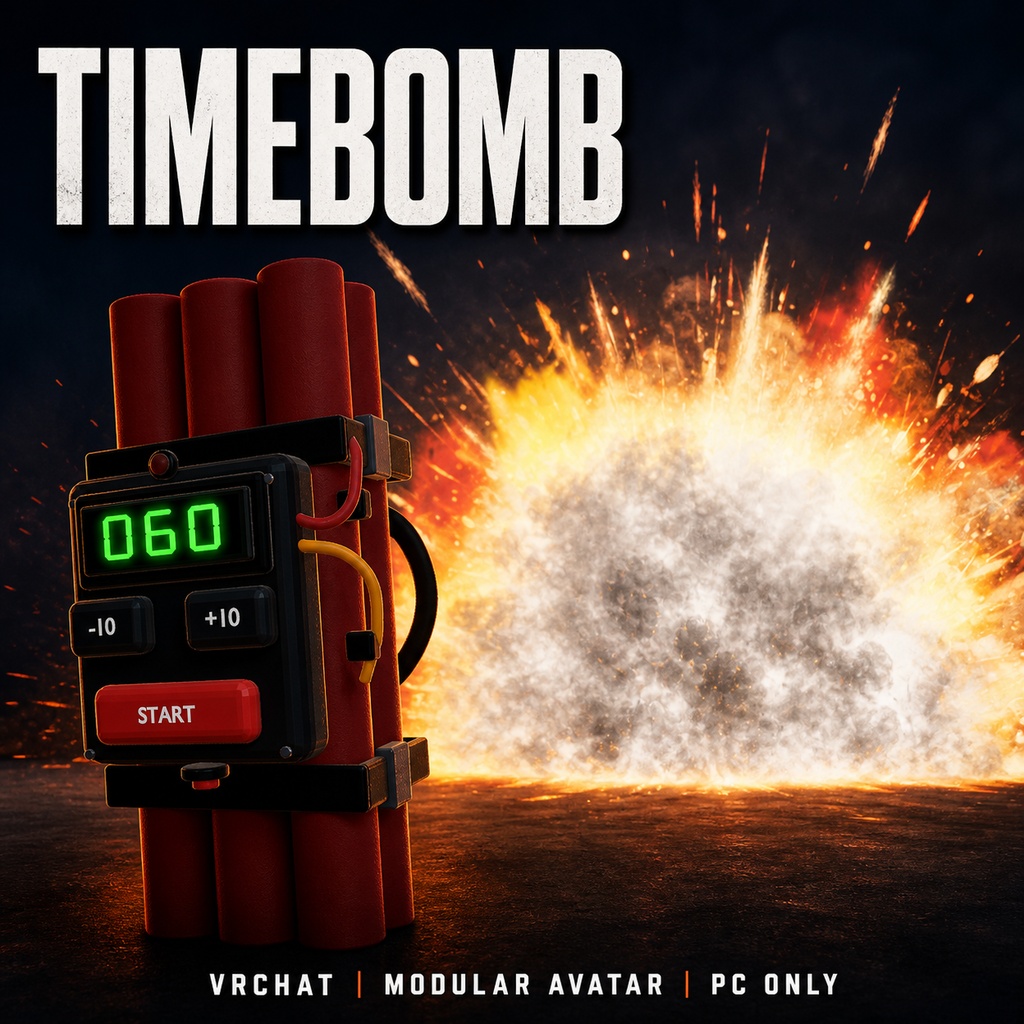
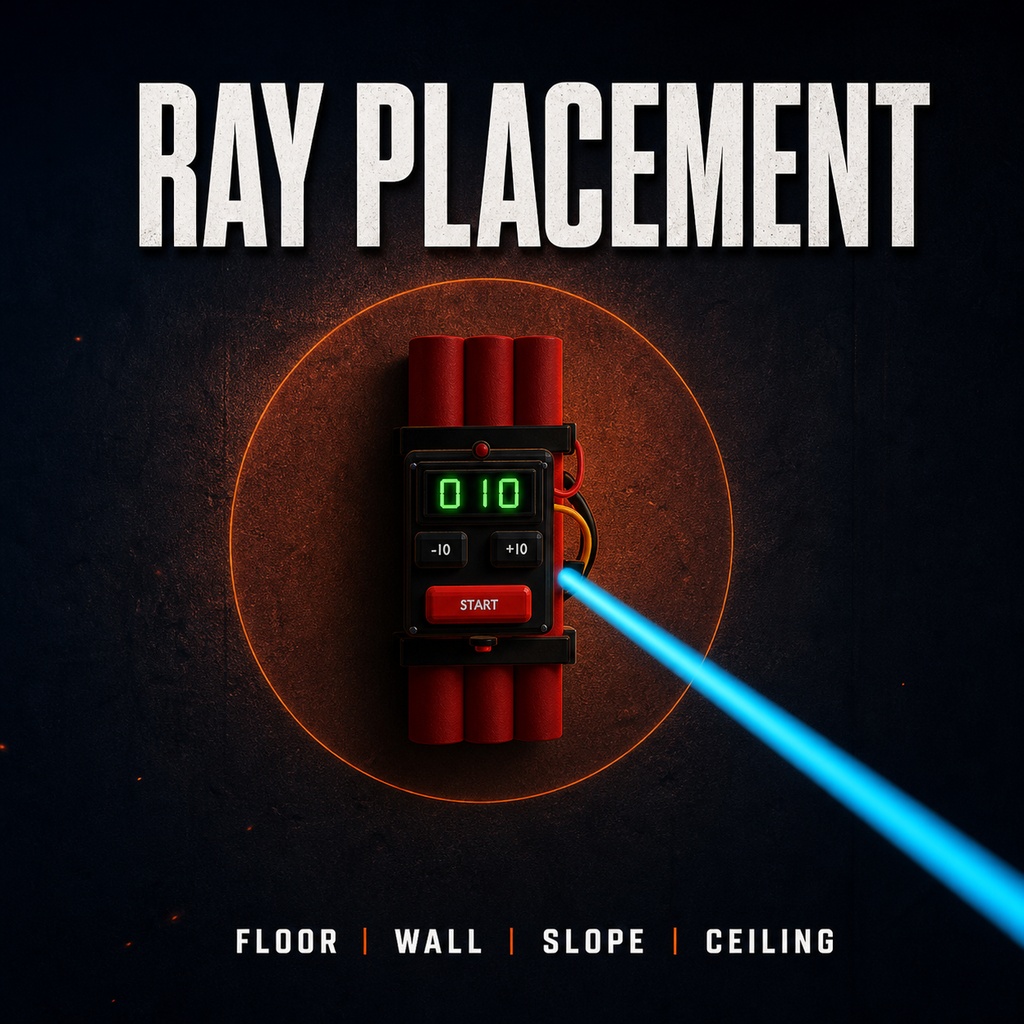
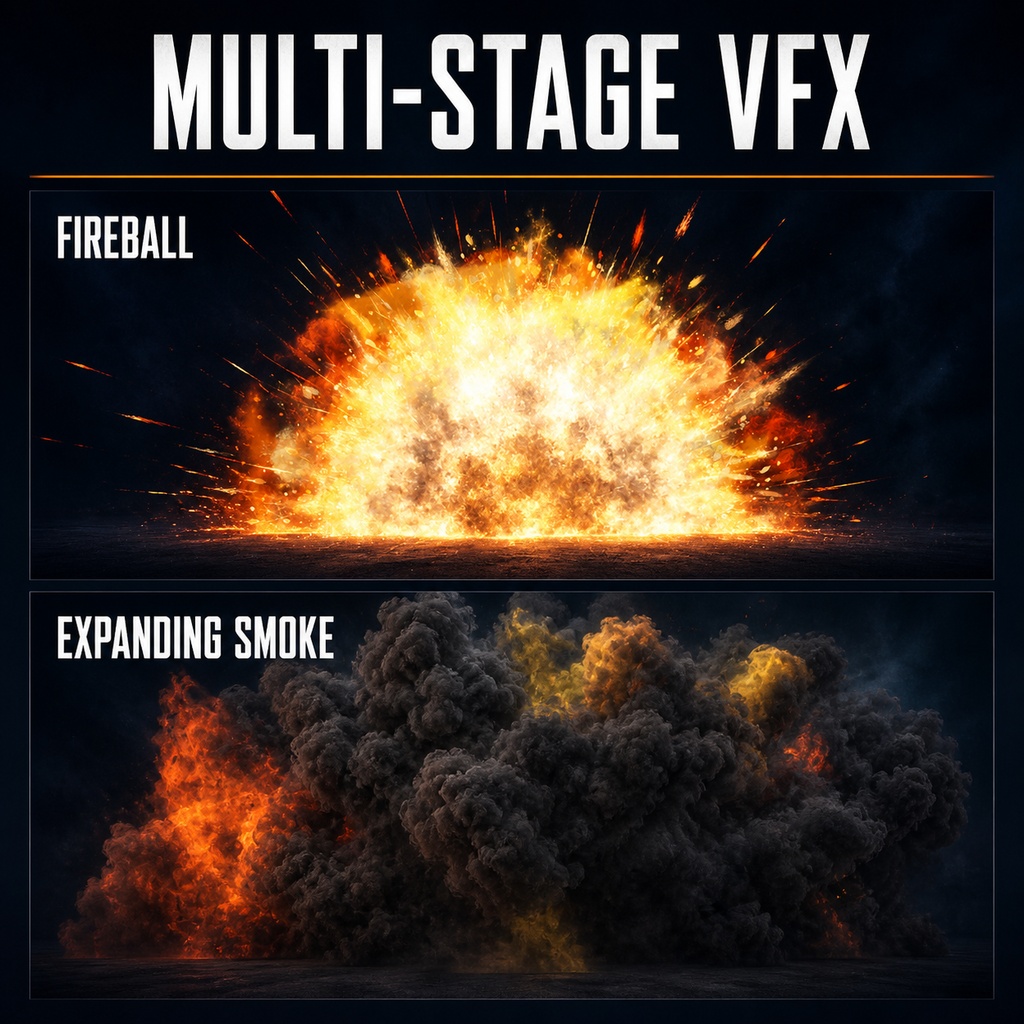
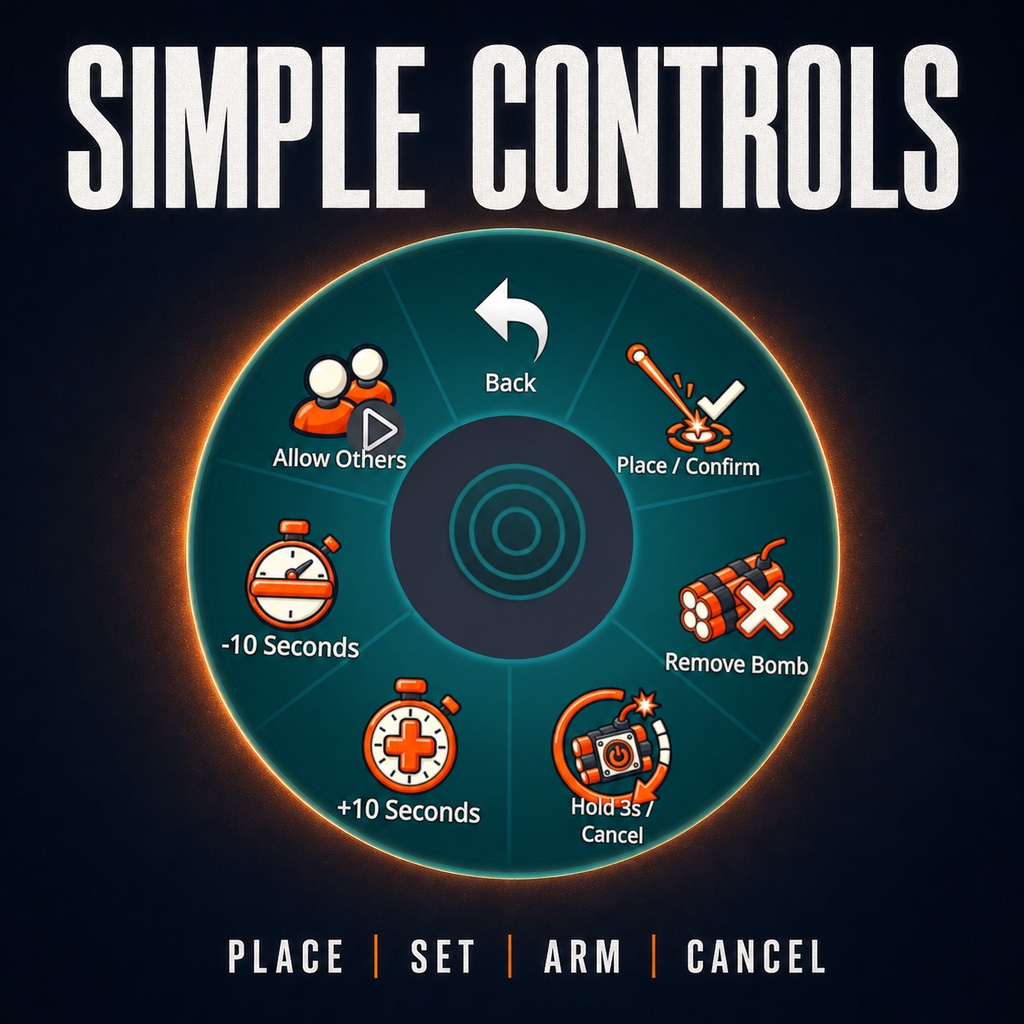
◆ Timebomb 狙って設置。3秒で起動。カウントゼロで大爆発。 「Timebomb」は、VRChat Avatar 3.0向けの時限爆弾アバターギミックです。 右手から伸びる射線で床・斜面・壁・天井を狙い、好きな場所へ爆弾を設置できます。 カウントダウンは10~240秒の範囲で設定可能。 3秒間の長押しでタイマーを起動し、カウントがゼロになると火球、煙、衝撃波、爆発音、画面揺れ演出が再生されます。 Modular Avatar対応のため、Prefabをアバター直下に配置することで導入できます。 ◆ 主な機能 ・最大約100mの射線による設置 ・床、斜面、壁、天井への設置 ・10~240秒のカウントダウン設定 ・Expression MenuおよびPCVRの右手ジェスチャーによる設置確定 ・3秒長押しによる起動と緊急キャンセル ・他プレイヤーによる物理ボタン操作の許可/禁止 ◆ Expression Menu 【Place / Confirm】 射線を表示し、有効な場所への設置を確定します。 【Remove Bomb】 爆弾または表示中のエフェクトを削除します。 【Hold 3s / Cancel】 3秒長押しでタイマーを起動し、カウントダウン中は緊急キャンセルします。 【+10 Seconds / -10 Seconds】 設定時間を10秒単位で変更します。 【Allow Others】 他プレイヤーによる物理ボタン操作を許可します。 ◆ 必須環境 ・Unity 2022.3.22f1 ・VRChat Avatars SDK 3.10.4 ・Modular Avatar 1.18.2以降 ・Mochies Unity Shaders Free(Mochie/Particles) ・June Lite 3.0 ・PC/PCVR専用(Quest非対応) 必要な外部パッケージはTimebombに含まれていません。 Timebombをインポートする前に導入してください。 Modular Avatar https://modular-avatar.nadena.dev/ Mochies Unity Shaders Free https://github.com/MochiesCode/Mochies-Unity-Shaders/releases June Lite https://jinxxy.com/luka/junelite or https://lukasong.booth.pm/items/3537955 ◆ 導入方法 1. 必須パッケージをUnityプロジェクトへ導入します 2. Timebombをインポートします 3. 以下のPrefabをアバター直下へ配置します Assets/Timebomb/Prefabs/Timebomb_ModularAvatar.prefab メニュー、Parameters、FX ControllerはModular Avatarによって自動的に統合されます。 ◆ マルチプレイヤー 配置操作中から同じインスタンスにいるプレイヤーに同期します。 配置完了後に参加したプレイヤーについては、既に設置されている爆弾の位置および爆発演出の再現を保証していません。 ◆ 利用許諾 個人・非商用利用専用です。 購入者本人による使用と改変は許可されています。 商用利用、法人利用、有償依頼、収益化コンテンツ、販売、再販売、無料配布、原版または改変版の再配布は禁止されています。 詳細は商品に同梱されている利用許諾をご確認ください。 ◆ クレジット Includes “June Lite” post-processing shader by KleineLuka https://luka.moe Mochies Unity Shaders Free by MochiesCode https://github.com/MochiesCode/Mochies-Unity-Shaders ◆ バージョン Version 1.0.0 --- English --- Timebomb is a PC-only timed-bomb Avatar gimmick for VRChat Avatar 3.0 and Modular Avatar. Use a visible ray to place the bomb on a floor, slope, wall, or ceiling. Select a countdown from 10 to 240 seconds, hold for three seconds to arm it, and wait for the blast. The explosion includes fire, smoke, shockwaves, positional audio, and a short June Lite screen-shake effect. [Main Features] - Ray placement up to approximately 100 metres - Floor, slope, wall, and ceiling placement - Adjustable 10–240 second countdown - Expression Menu and PCVR right-fist confirmation - Three-second hold to arm and emergency cancellation - Optional physical-button interaction for other players [Requirements] - Unity 2022.3.22f1 - VRChat Avatars SDK 3.10.4 - Modular Avatar 1.18.2 or later - Mochies Unity Shaders Free with Mochie/Particles - June Lite 3.0 - PC/PCVR only; Quest is not supported External dependencies are not included and must be installed before Timebomb. Modular Avatar: https://modular-avatar.nadena.dev/ Mochies Unity Shaders Free: https://github.com/MochiesCode/Mochies-Unity-Shaders/releases June Lite: https://jinxxy.com/luka/junelite or https://lukasong.booth.pm/items/3537955 [Installation] 1. Install all required dependencies. 2. Import Timebomb. 3. Place this Prefab directly under the Avatar root: Assets/Timebomb/Prefabs/Timebomb_ModularAvatar.prefab Modular Avatar automatically merges the menu, parameters, and FX Controller. [Multiplayer] Players who are present during placement can see the placed bomb and its effects. Players who join after placement are not guaranteed to reconstruct the existing bomb position or aftermath. [License] Personal, non-commercial use only. Personal use and modification are permitted. Commercial use, corporate use, paid commissions, monetized content, sale, resale, free distribution, and redistribution of the original or modified files are prohibited. The complete license included with the product controls. [Credits] Includes “June Lite” post-processing shader by KleineLuka https://luka.moe Mochies Unity Shaders Free by MochiesCode https://github.com/MochiesCode/Mochies-Unity-Shaders Version 1.0.0